Gear & care
How to clean and store BBQ thermometer probes by component
On this page · 5 sections
Straight answer
Use the cleaning instructions for the exact component. A dishwasher-safe wireless probe does not make a cabled air probe, receiver or charger washable the same way. [1] [4] [7] [8]
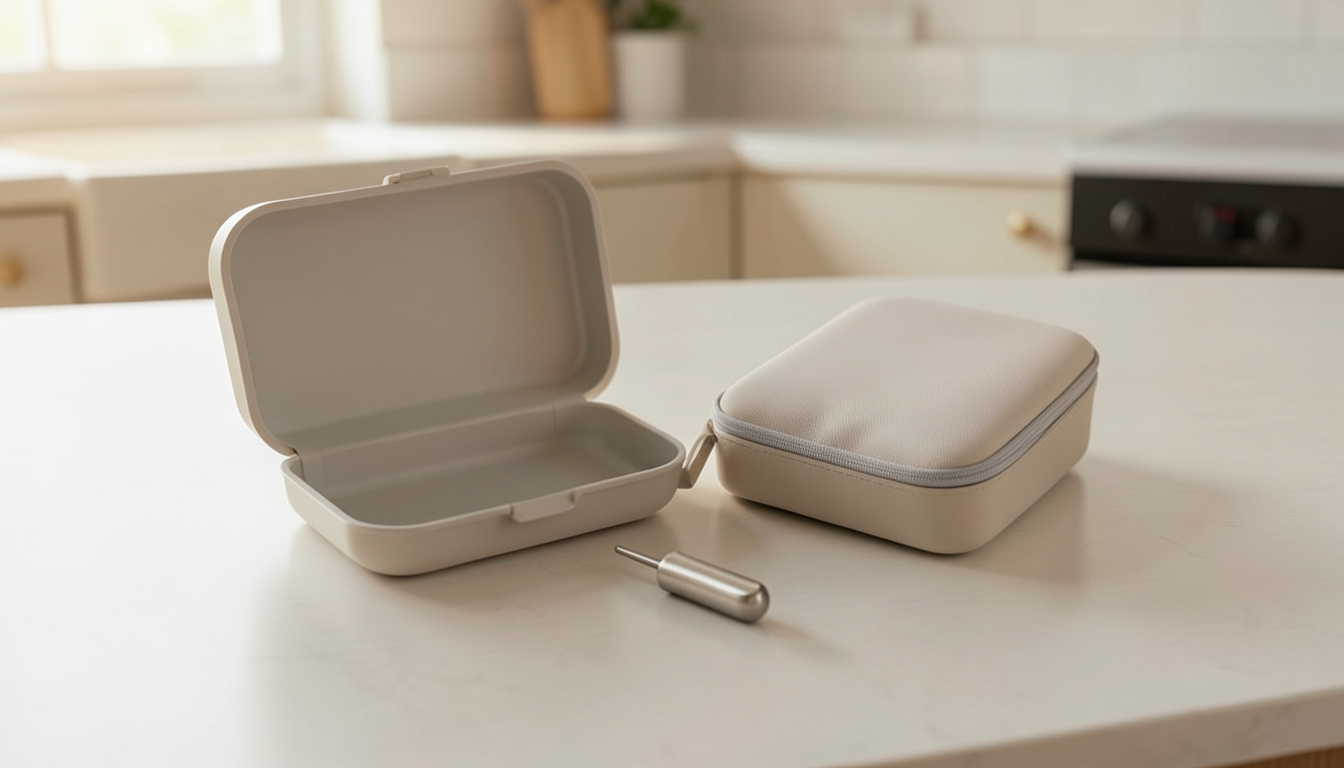
Sort the components before you reach the sink
A wireless probe, a wired probe and the box it connects to can have different cleaning permissions. This guide compares original Smoke with its supplied probes, RFX MEAT with Gateway and its separate air probe, and MEATER Pro MT-PR20 with MT-CP20 charger. [1] [4] [6] [8]
The care matrix compares each named component with its manual and current manufacturer guidance. Permissions stay attached to the part, unstated limits remain open and the MEATER abrasive-cleaning conflict stays visible; no cleaning trial was performed. [8] [9]
Photograph the model label once and keep the current instructions with it. After a cook, identify the food-contact part, any cable and connector, and the receiver or charger before choosing the cleaning method; do not extend one component’s dishwasher permission to the whole system. [1] [4] [7] [8]
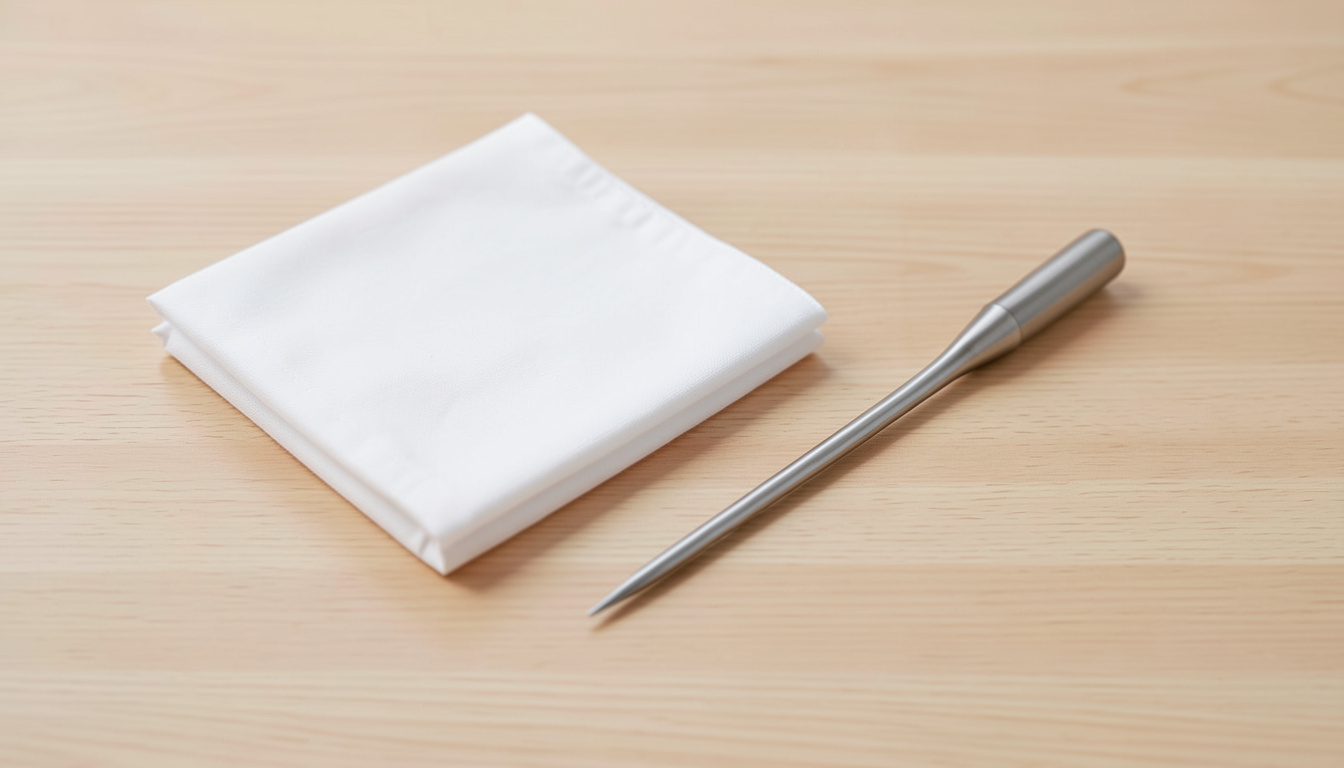
Three systems, separated by component
On a narrow screen, scroll the table sideways to compare all columns.
| System and part | Cleaning / immersion / dishwasher | Drying and storage | Cable, connector or housing boundary |
|---|---|---|---|
| Original Smoke, manual P-13-025-02-e; supplied cooking TX-1001X-OP and air TX-1003X-AP [1] | Wipe supplied probes with damp cloth and kitchen cleaner; no whole-probe submersion or dishwasher. Optional waterproof needle TX-1002X-NP is a different part. [1] [2] | Store loose, kink-free coils or hang loosely; avoid tight wraps around Smoke. No quantified drying interval is given in these sources. [2] | Use molded mini-handle, not cable, to remove probe. Avoid hot pinches and repeated kinks/twists; no numerical bend radius or separate connector-washing permission is supplied. [1] |
| Original Smoke base and separate Receiver [2] | The probe-cleaning direction does not authorize soaking either electronic unit. The care article excludes putting Smoke in the dishwasher. [2] | Keep the displays out of direct sunlight; arrange storage so Sync buttons are not pressed. A numeric storage-humidity or drying-time rule is not supplied. [2] [3] | Keep the base outside the cooker and off a hot lid. Do not use the cable as a carrying strap. [1] [2] |
| RFX MEAT TX-5630 wireless probe [4] | Maker explicitly permits dishwasher cleaning and calls this probe submersible. Its care article also describes soap and a sponge. [4] [5] | Clean and dry before returning it to the charging block; residue can obstruct electrical contact. No numeric drying time given. [5] | There is no probe cable to coil. The charging block is separate; the probe’s immersion permission does not specify a block-washing method. [4] [5] |
| RFX GATEWAY TX-5601 and its separate cabled Pro-Series air probe [6] [7] | Gateway: damp cloth/paper towel, no submersion/dishwasher. Air probe: damp cloth and kitchen cleaner; full cable immersion not recommended. [6] [7] | For the cable, avoid repeated kinks/twists. Neither cited source gives a numerical bend radius or Gateway drying interval. [6] [7] | Use air-probe mini-handle, avoid hot pinches/contact, and keep Gateway off hot cooker surfaces. Wireless MEAT washing permission does not apply to this wired branch. [6] |
| MEATER Pro MT-PR20 probe and MT-CP20 charger [8] | Current cleaning page permits Pro Collection dishwasher use but says avoid prolonged soaking, without a duration. Safety manual requires cooling before washing and excludes listed solvents/abrasive products; see the discrepancy below. [8] [9] | Probe completely dry before docking; store dry and cool. Support says use a dry cloth on charger contacts. No timed drying shortcut is specified. [8] [10] | No probe cable. Charger stays away from water/liquids; do not infer charger washability from waterproof probe wording. [8] |
There is a real documentation conflict: the MEATER Pro safety document prohibits cleaning products containing abrasives, while the current cleaning article recommends abrasive cleaning. For an ordinary wash, use the support page’s soapy-water approach on the cooled probe and dry it thoroughly; ask MEATER to resolve aggressive cleaning for your exact revision rather than treating both passages as one consistent instruction. [8] [9] [10]
An ingress-protection label alone would not answer which detergents, wash cycles or heat exposures the maker permits. The table uses explicit component instructions; the dishwasher rows come from maker statements, not an inference from the word waterproof. [4] [7] [8] [9]
Prevent damage before it needs cleaning
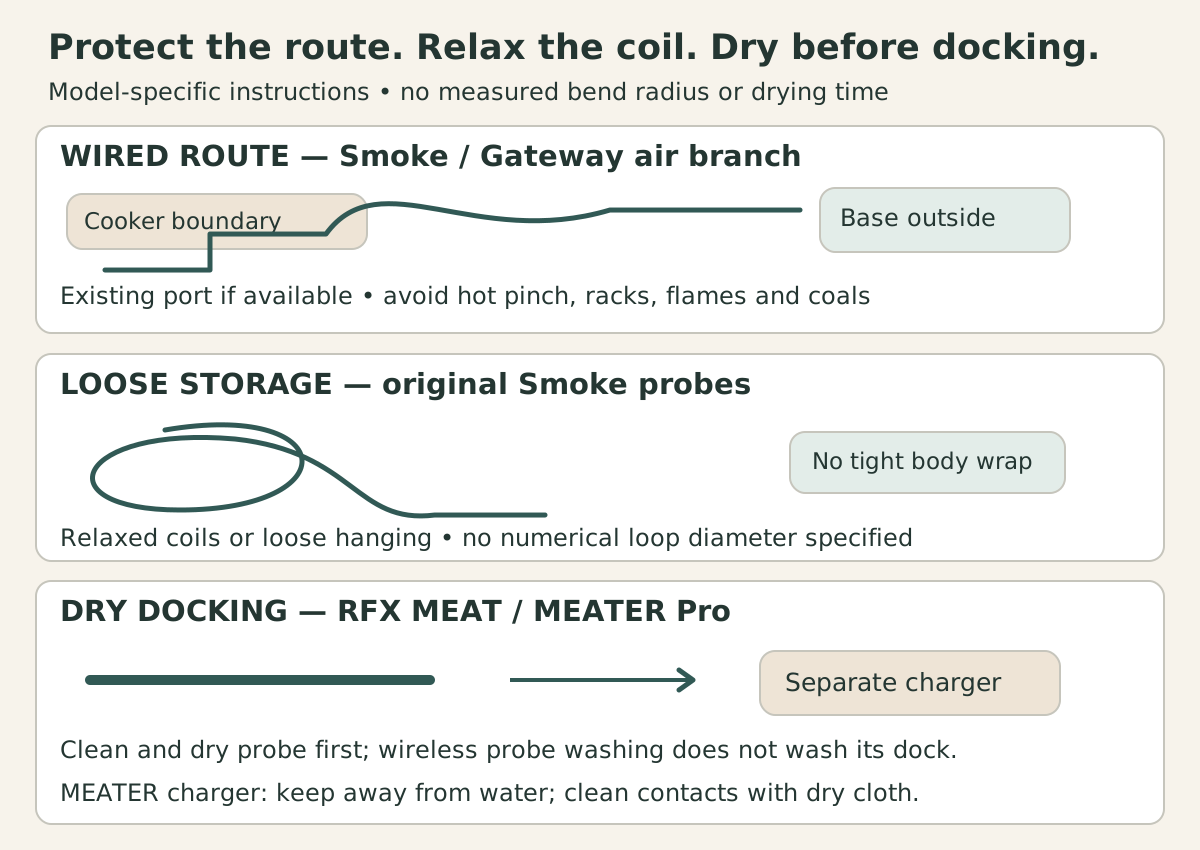
- Route: use an existing probe access hole where available; protect against the manual’s hot-pinch hazard, and keep cable away from racks, elements, flames and coals. Remove by the molded mini-handle. [1] [6]
- Store original Smoke probes as relaxed coils or loose hanging loops, without pulling tight around the housing. The loop in the drawing has no specified diameter. [2]
- Dock: clean and dry the wireless probe first. MEATER’s charger stays away from water, and RFX’s probe-washing permission does not describe cleaning its separate charging block. [5] [8]
Record the symptom before choosing an action
On a narrow screen, scroll the table sideways to compare all columns.
| Observed issue | Relevant manufacturer distinction | Next action |
|---|---|---|
| Original Smoke shows LLL/HHH, or a visibly damaged cable. | Support lists multiple causes, including wire damage and out-of-range exposure. [3] | Set aside the suspect part, record the model/error and visible condition, and use Smoke support to determine replacement or further checks; do not assign a cause from the code alone. |
| RFX Gateway shows NA/NO PROBE for its wired air input. | That support section concerns the separate Pro-Series probe. INACTIVE for wireless RFX MEAT has a different battery/connection path. [7] | Identify which branch failed before following its support steps. Do not “fix” the wired probe by repeatedly washing the wireless one. |
| Wireless probe will not charge after use. | RFX and MEATER discuss residue/contact cleaning, but neither statement proves dirt caused this particular fault. [5] [10] | Follow the exact model’s permitted cleaning and drying steps, then its charging/support instructions. Record persistent failure; avoid improvised solvents or heated drying. |
| MEATER deposit seems to require aggressive removal. | Safety document and cleaning article differ on abrasive treatment. [8] [9] | Keep both passages and the model/revision for the manufacturer; do not escalate to the disputed method from this table. |
| Smoke Receiver loses pairing after storage. | Support identifies accidentally pressed Sync buttons as one possible cause. [3] | Check storage pressure and follow the linked Smoke sync procedure; recurring communication loss still needs model-specific troubleshooting. |
Keep a care record for the parts you own
Start blank. Write the permitted method and document beside each part; leave unknown permissions unanswered until clarified.
These entries are personal notes. They are not sent to a restaurant or submitted to this site.
Use Smoke troubleshooting or RFX component troubleshooting for the actual system. If replacement changes your instrument choice, compare wireless thermometer systems or instant-read thermometers for the job you need.
Sources and method
- Original Smoke dual-channel instructions P-13-025-02-eSource checked · cdn.shopify.com
- ThermoWorks Caring for Your SmokeSource checked · blog.thermoworks.com
- ThermoWorks Troubleshooting: SmokeSource checked · help.thermoworks.com
- RFX MEAT TX-5630 product cleaning permissionSource checked · www.thermoworks.com
- ThermoWorks Unlock Maximum RFX Battery LifeSource checked · www.thermoworks.com
- RFX GATEWAY and wired air-probe instructions P-22-010-02-bSource checked · cdn.shopify.com
- ThermoWorks Optimizing RFX component care and failure guidanceSource checked · help.thermoworks.com
- MEATER Pro safety information MT-PR20 and MT-CP20Source checked · traegergrills.a.bigcontent.io
- MEATER How to Clean a MEATER current maker articleSource checked · meater.com
- MEATER Cleaning MEATER Probes current official support APISource checked · support.meater.com
How this article is prepared
Researched and drafted with AI assistance from the cited sources. Examples and calculations retain their stated assumptions; illustrations do not establish restaurant visits or equipment tests.
About BBQ Explorer