Gear & care
Check your meat thermometer before changing its calibration
On this page · 4 sections
Straight answer
Check the setup and the exact model’s ice-point tolerance before changing any reading offset. Thermapen ONE has a documented owner-trim procedure; the selected ThermoPop 2 and DOT manuals do not document an equivalent owner control. A stable home ice-point result is one check, not proof of accuracy across every cooking temperature. [1] [2] [4] [7] [10]
Make the reference check meaningful
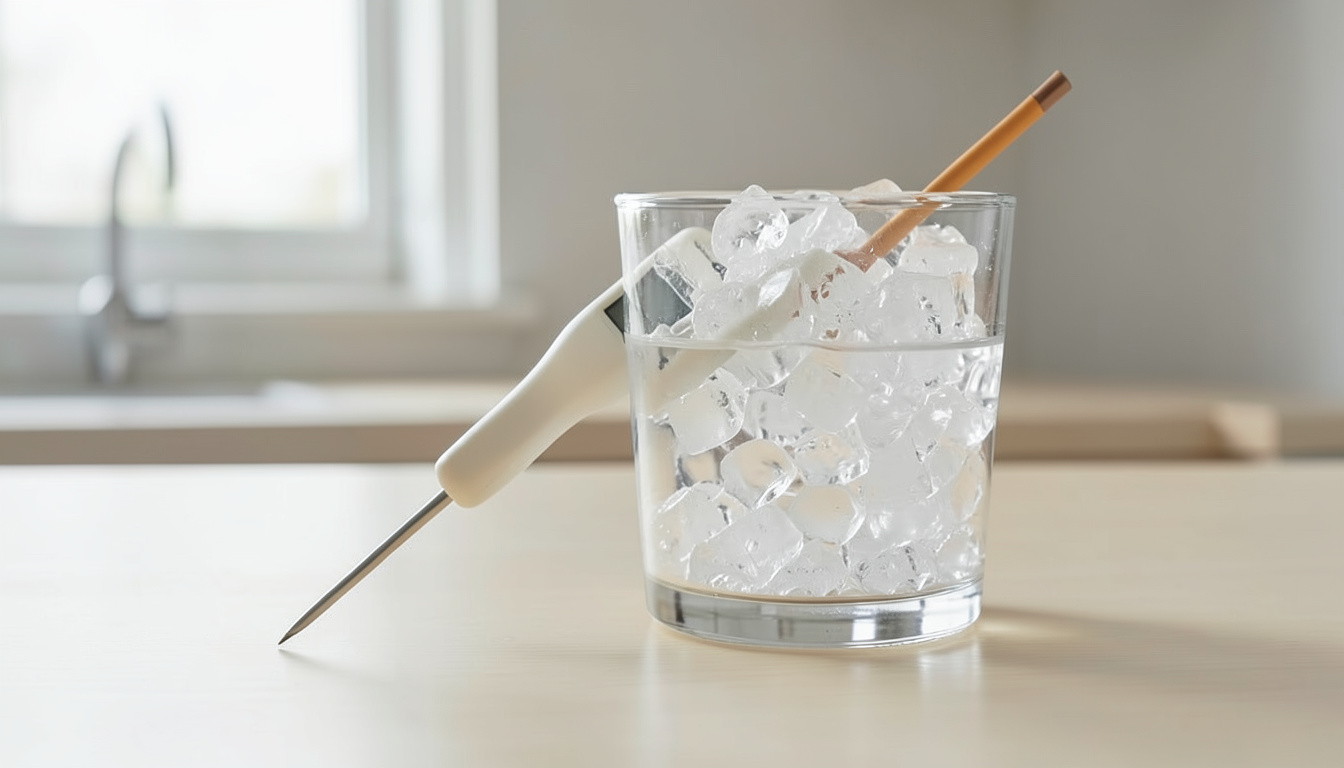
A reading that surprises you can come from the instrument or from the check itself. ThermoWorks specifies packed ice with water in the gaps, not floating ice above a deep pocket of water. Rebuild a questionable bath before interpreting the number as an offset. [1]
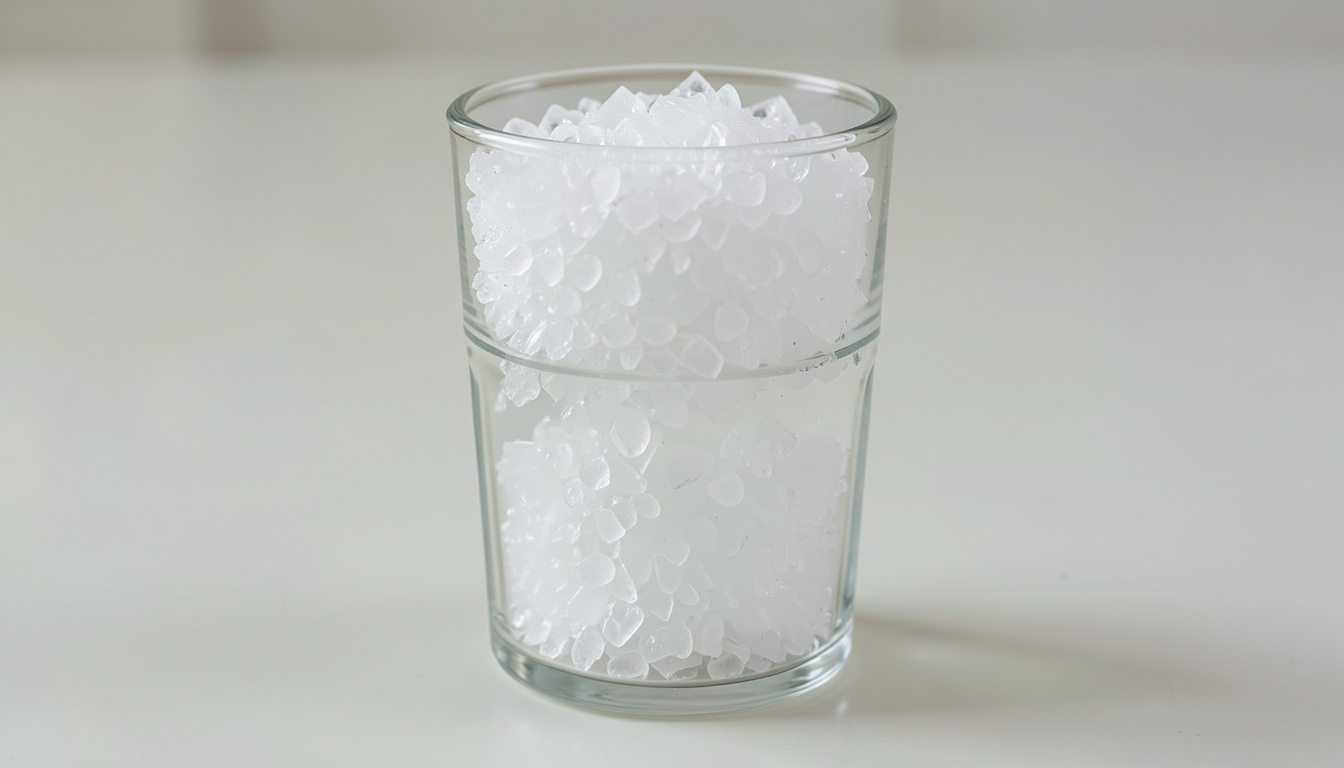
- Fill a deep, stable vessel to the top with ice; crushed ice is preferred. Add water into the gaps to about half an inch below the ice top. [1]
- If ice lifts from the vessel bottom, drain excess water and add ice. Let the slurry settle about a minute. [1]
- Follow the exact probe’s permitted immersion. Gently stir with the sensing tip in the center, clear of ice pieces, sides and bottom, and wait for a stable display. [1] [2] [3]
- Record the unit, stable reading and exact accuracy specification. Compare with the 32°F/0°C reference using that model’s tolerance before considering adjustment. [1]
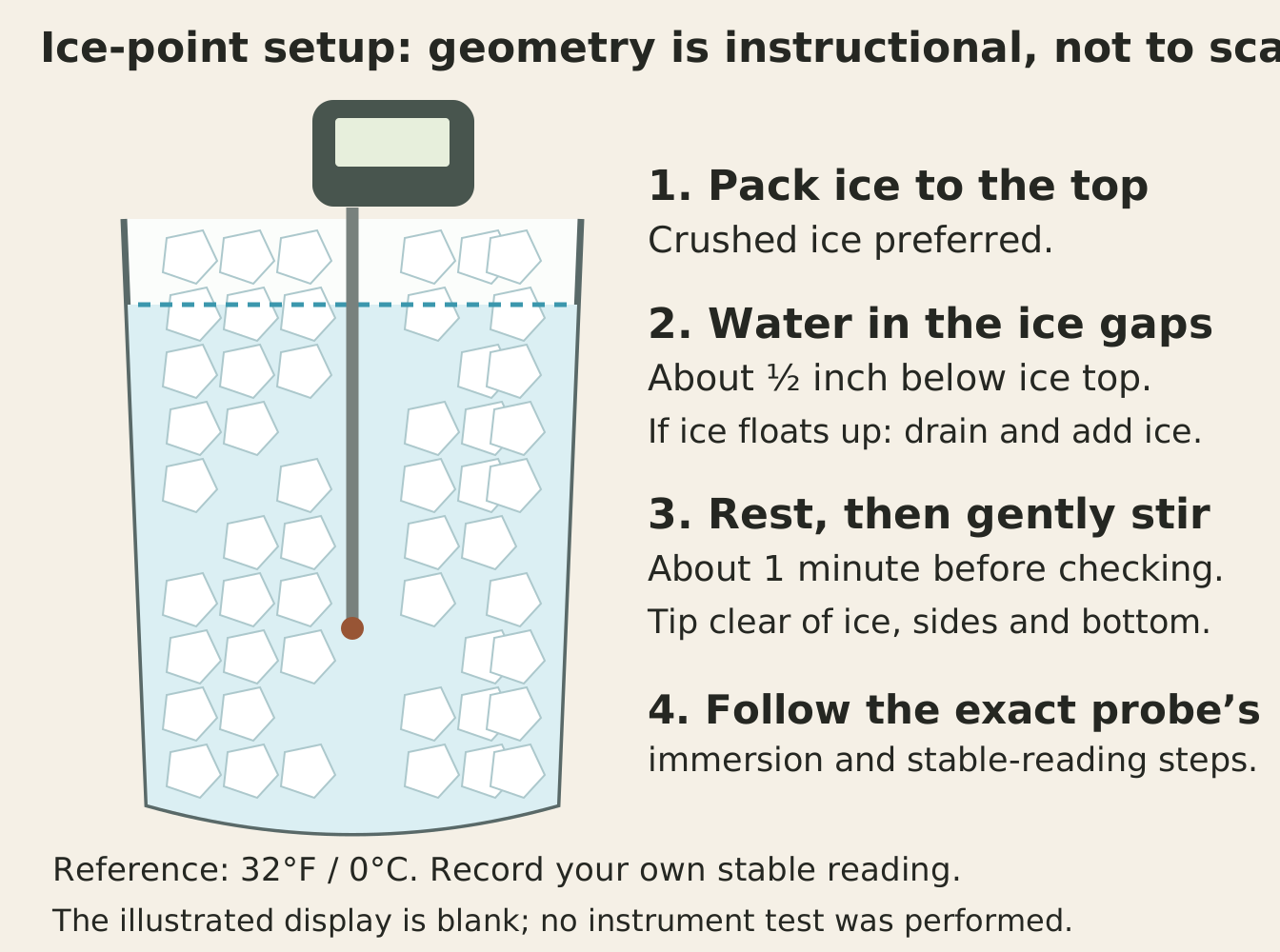
For Thermapen ONE, the operating manual’s 1/8 inch (3 mm) minimum concerns its small tip sensor. Its particular ice-check procedure says about 2 inches (50 mm) maximum, gentle stirring and observation after about 15 seconds, followed by recording once stable. Neither number is a universal immersion rule for another stem, cable or housing. [2] [3]
Three tolerances applied to the same reference
On a narrow screen, scroll the table sideways to compare all columns.
| Exact example | Published tolerance at ice point | Reference minus/plus tolerance | Display and decision limit |
|---|---|---|---|
| Thermapen ONE, trim document P-18-011-M-2-a. [2] | ±0.5°F or ±0.3°C. [2] | 32 ± 0.5 gives 31.5–32.5°F;0 ± 0.3 gives −0.3–+0.3°C. [2] | Set to tenths for this procedure. Inside the manufacturer’s limits: no adjustment. [2] |
| ThermoPop 2,4.5-inch, P-21-001-02-c. [4] | ±1°F or ±0.5°C in its 14–208°F/−10–98°C band. [4] [9] | 32 ± 1 gives 31–33°F;0 ± 0.5 gives −0.5–+0.5°C. [4] | Tenths at ice point; no owner trim documented by manual/chart. [4] [5] |
| DOT with included Pro-Series TX-1004X-SP. [7] | ±1.8°F or ±1°C in its −4–248°F/−20–120°C band. [6] | 32 ± 1.8 gives 30.2–33.8°F;0 ± 1 gives −1–+1°C. [6] | Whole-degree display; no owner trim documented. Mathematical endpoints are not displayable values. [6] [7] [8] |
For DOT, whole-degree displays of 31, 32 or 33°F lie inside that calculated nominal interval. The screen cannot display 30.2 or 33.8°F. Do not add an invented rounding allowance or declare a borderline home result a laboratory pass; repeat the setup or ask the maker when uncertainty changes the decision. [6]
The ThermoPop 2 example uses its exact 4.5-inch manual and the matching ice-point band on the product page. A tolerance belongs to its stated temperature band; this example does not extend ±1°F throughout the instrument’s entire displayed range. Displaying more decimal places also does not create a smaller accuracy tolerance. [4] [9]
Choose an action only after a repeat
On a narrow screen, scroll the table sideways to compare all columns.
| What you find | Useful next action | What not to infer |
|---|---|---|
| Questionable bath, tip contact or unstable reading. [1] | Rebuild and repeat with the documented immersion and stable-reading procedure. | An unexplained number is not automatically an instrument offset. |
| Repeated reading inside the exact model’s band. [1] [2] | Leave adjustment alone; retain the dated log. | A perfect 32.0°F display is not required of every model. |
| Repeated out-of-band ONE check. [2] | Open the exact ONE trim procedure and follow its supported controls and retest. Ask support if an existing trim setting makes the correction unclear. | Do not transfer its controls to another Thermapen, a probe alarm or a wireless probe. |
| Repeated concern with selected ThermoPop 2 or DOT. [4] [5] [7] [8] | Contact the maker for the instrument/probe; its selected documents do not supply owner trim. | DOT’s alarm arrows are not reading-offset controls; absence of owner trim does not rule out manufacturer service. |
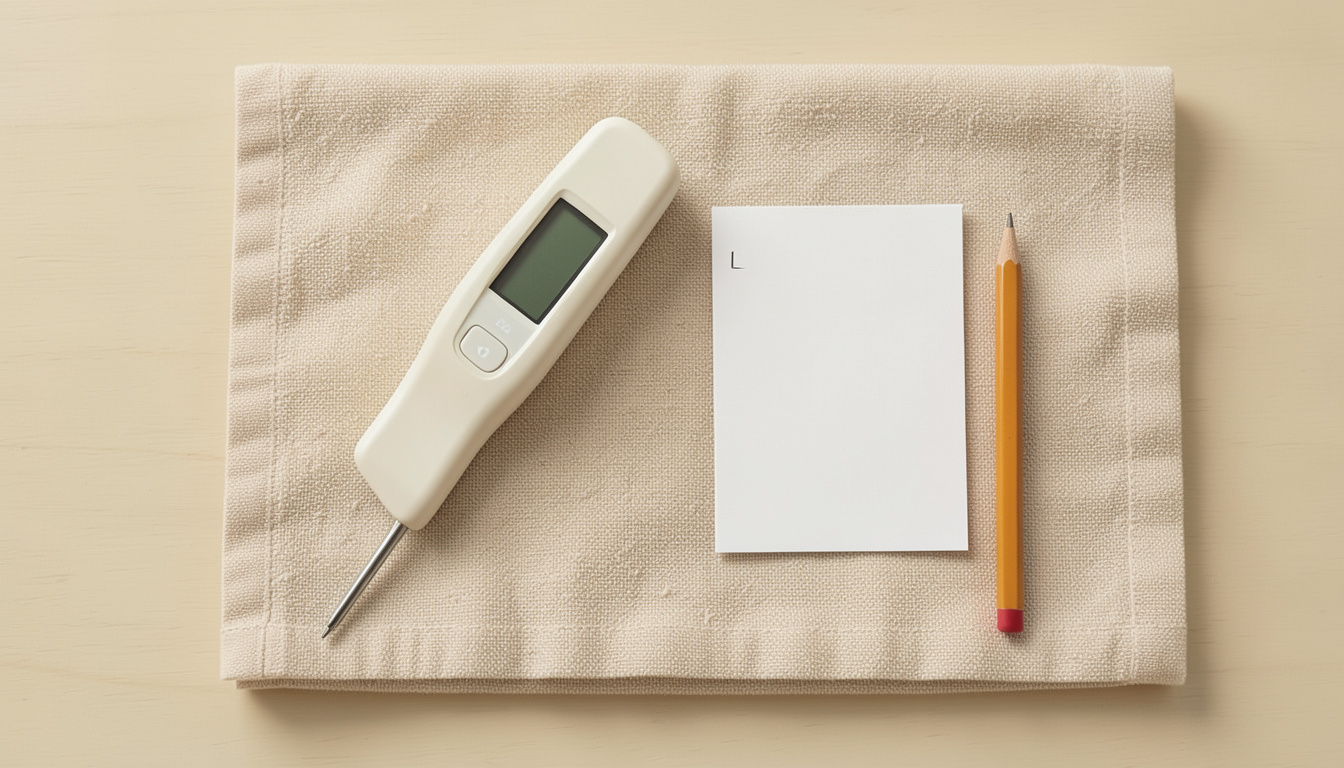
Your ice-point reading log
All fields start blank. Record a fresh-bath repeat before adjustment; record a retest only after an adjustment the exact maker supports.
These entries are personal notes. They are not sent to a restaurant or submitted to this site.
NIST’s guidance changes with the intended measuring range, including additional checking above 100°C. Keep this home log as evidence of what you actually checked near the ice point, rather than a certificate for the full cooking range. This article supplies no device reading, laboratory uncertainty claim or performed calibration. [10]
Sources and method
- ThermoWorks Proper Ice Bath, current canonical learning-center pageSource checked · www.thermoworks.com
- Thermapen ONE Trim Adjust Procedure, P-18-011-M-2-aSource checked · www.thermoworks.com
- Thermapen ONE Operating Instructions, P-18-011-01-c, 14.05.24Source checked · cdn.shopify.com
- ThermoPop 2 4.5-inch Operating Instructions, P-21-001-02-cSource checked · www.thermoworks.com
- ThermoWorks pocket-digital thermometer comparison, 07/2024Source checked · cdn.shopify.com
- DOT current model specification tableSource checked · www.thermoworks.com
- DOT Operating Instructions, P-11-038-02-fSource checked · www.thermoworks.com
- ThermoWorks Alarm Thermometer Selection Chart, 1/2022, currently linkedSource checked · www.thermoworks.com
- ThermoPop 2 current product specificationsSource checked · www.thermoworks.com
- NIST Verification Methods for Alternative ThermometersSource checked · www.nist.gov
How this article is prepared
Researched and drafted with AI assistance from the cited sources. Examples and calculations retain their stated assumptions; illustrations do not establish restaurant visits or equipment tests.
About BBQ Explorer